
WordPress maintenance is often described as updating plugins. That matters, but it is not the whole picture. For a business, the more important question is simpler: can the customer send an inquiry, complete a purchase, or get in touch?
If the answer is no, green plugin status does not help much.
Version numbers do not tell the whole story
An updated plugin can improve security and stability. It can also affect form validation, payment module loading, email notifications, or the layout of the checkout page. Those issues may not show up as obvious errors in the WordPress admin.
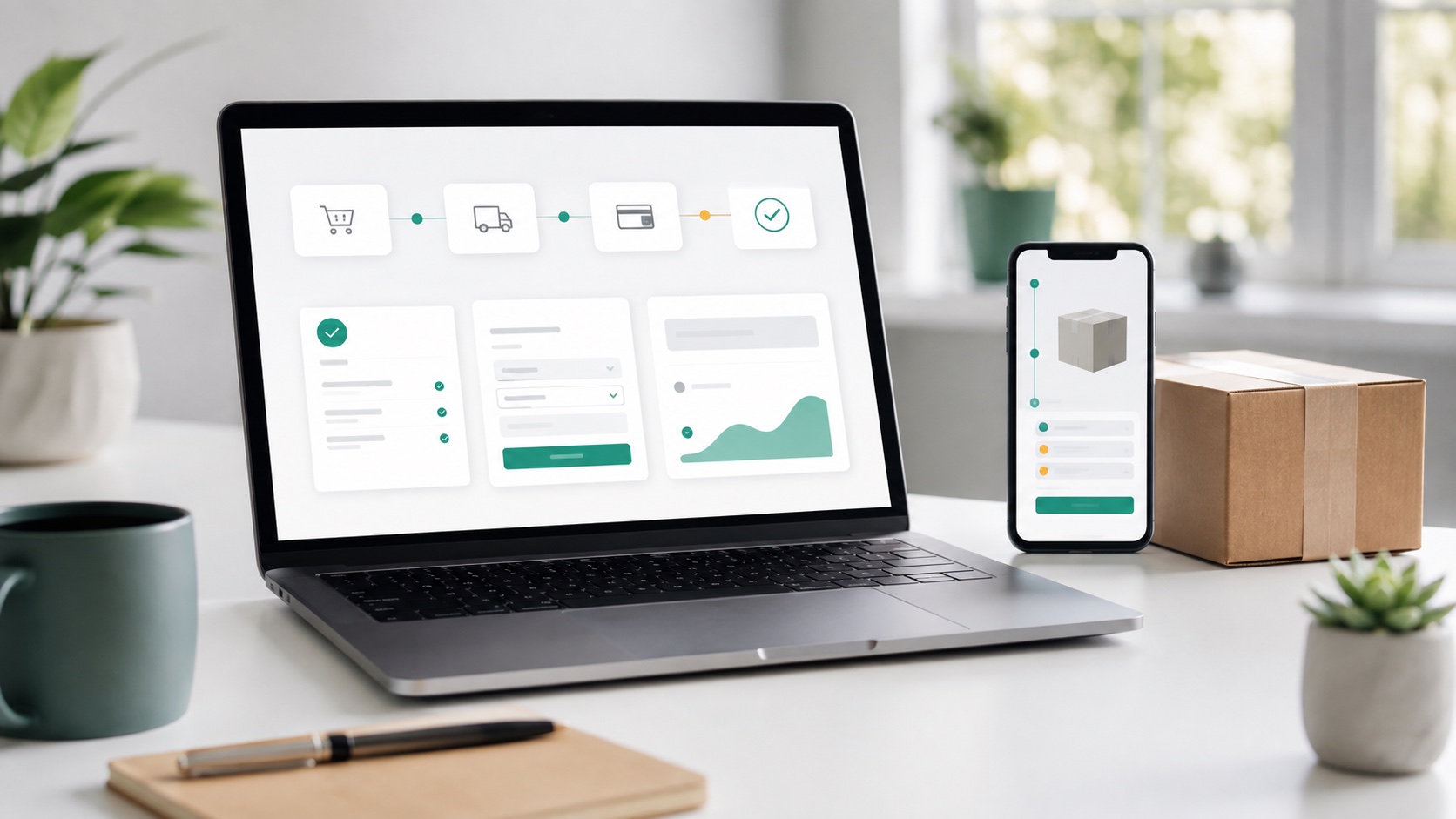
That is why maintenance has to look beyond the technical update and check the user journey. This matters especially for WooCommerce stores and sites where contact forms or booking forms bring in leads.
Which journeys deserve checks
Not every page needs to be clicked through manually after every maintenance run. The sensible approach is to choose the places where a breakage would affect the business most directly.
Typical checks include:
- submitting a contact form and confirming that the notification reaches the right inbox;
- the WooCommerce cart and checkout page;
- payment method loading or a test payment check;
- user login;
- key admin or editor views;
- important integrations such as CRM or newsletter signup.
CMS Keeper's WordPress maintenance is built around this practical kind of checking. Routine updates do not need to become a large project, but critical journeys should not be left to chance.
Why this is also a marketing and sales issue
A broken form is not only a technical bug. It is a broken sales channel. A broken checkout is not only a plugin conflict. It is a lost order. A slow or faulty login can mean that an editor cannot update a campaign page on time.
Website maintenance therefore affects marketing, sales, and customer service directly. If the site is part of the business process, maintenance should be based on user journeys.
How CMS Keeper helps
CMS Keeper keeps WordPress maintenance in one workflow: updates, monitoring, and checks belong together. That gives a clearer view of what has been done and what needs attention next.
If maintenance reveals a problem, it does not remain only a technical log entry. An alert or error is reviewed by a person who can judge the impact and decide whether it is a small fix, a larger development task, or an external service issue.
Summary
The quality of WordPress maintenance is not measured only by whether plugins are up to date. It is measured by whether the site still works for the people who use it: customers, sales teams, and content editors.
CTA: Order CMS Keeper WordPress maintenance if you want forms, checkout, and important workflows checked alongside updates.
Maintenance services by platform
WordPress maintenance
Updates, monitoring, forms, and WooCommerce checks in one accountable maintenance flow.
Drupal maintenance
Core updates, Composer constraints, and workflow checks handled according to risk.
Services
A practical maintenance model for business websites that need to stay reliable.